PlantUML Renderer

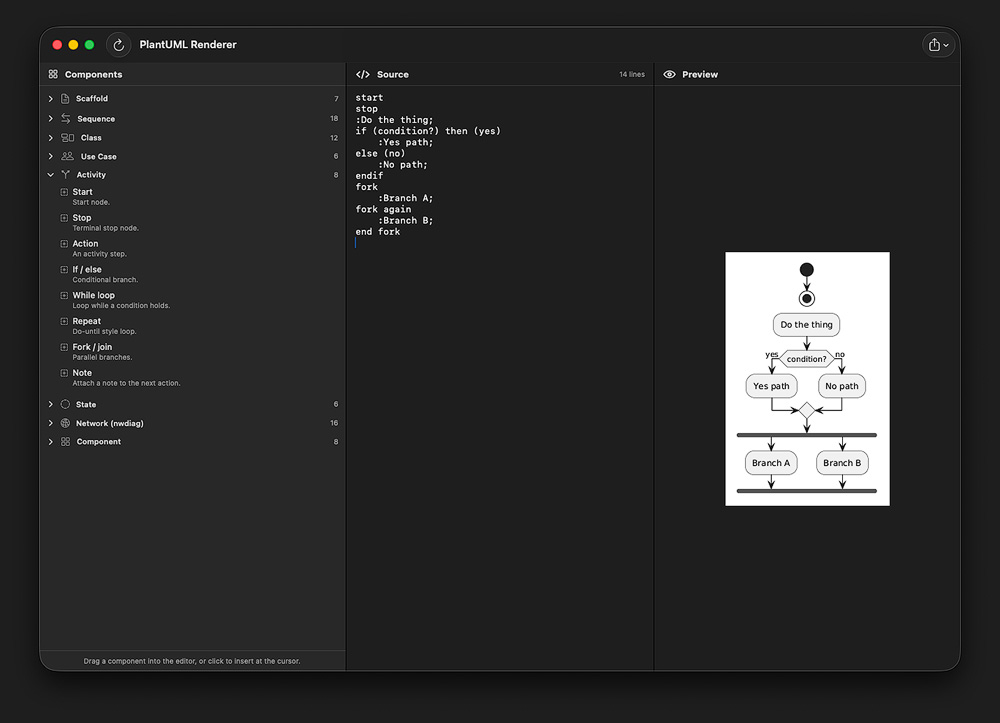
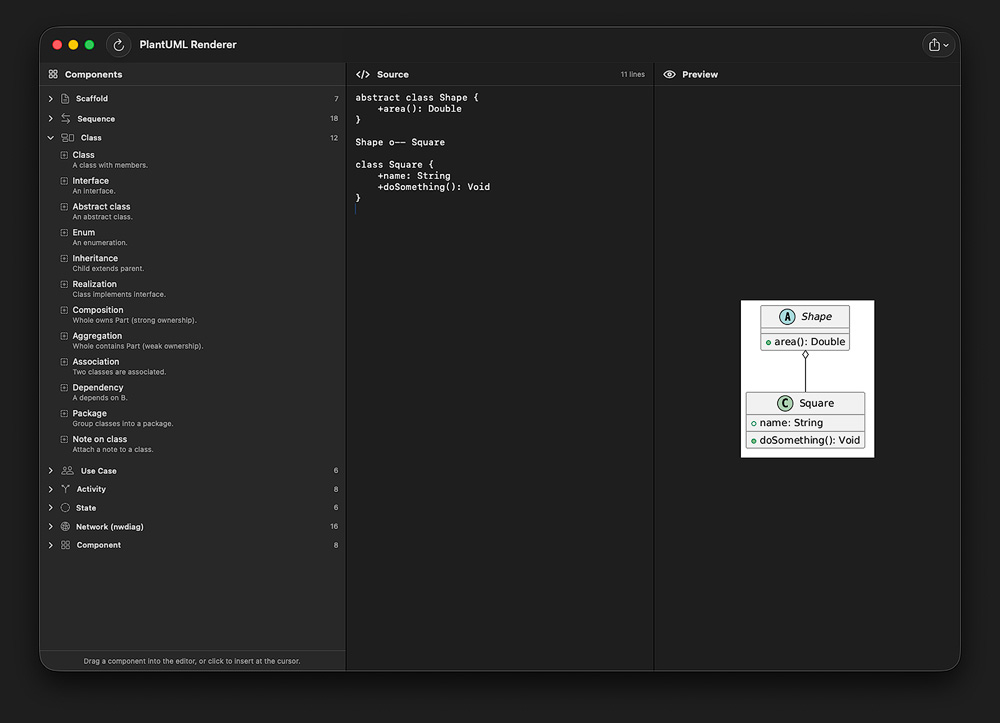
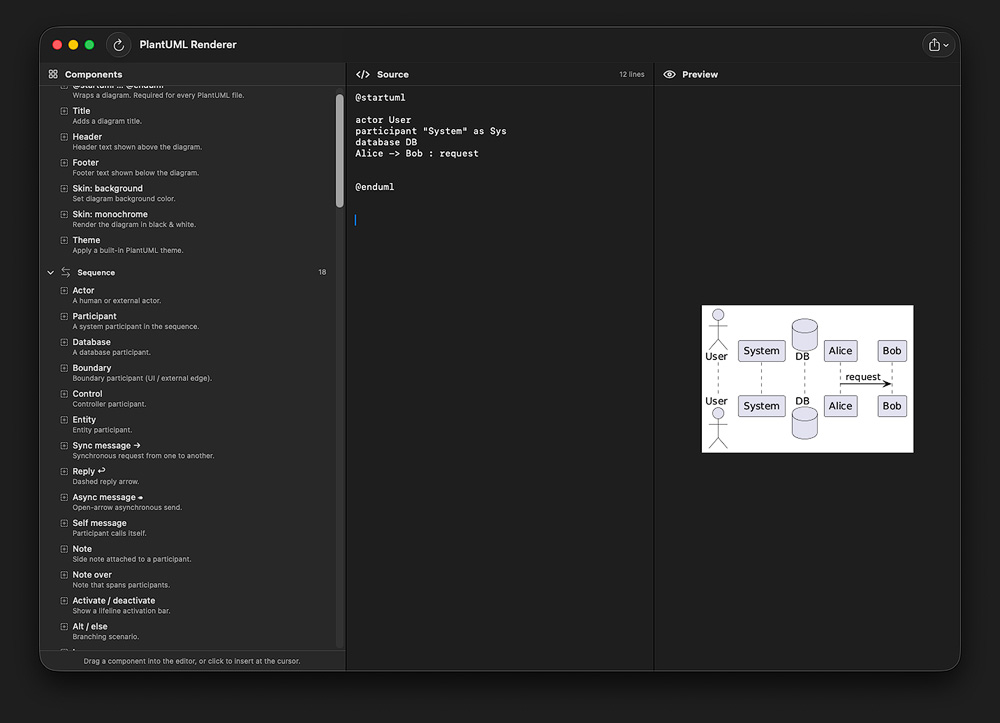
PlantUML Renderer is a focused macOS editor for the PlantUML diagram language. Write your diagram on the left, see it on the right — instantly. Whether you're sketching a quick sequence diagram, documenting a class hierarchy, or laying out a network topology, PlantUML Renderer keeps everything you need in one clean three-pane window: a snippet palette, a monospaced source editor, and a live preview that updates as you type.
FEATURES
- Live preview — Diagrams re-render automatically a moment after you stop typing, so the picture stays in sync with the source.
- Built-in snippet library — Dozens of ready-to-use snippets organized by diagram type:
- Scaffolding (titles, headers, footers, themes, skinparams)
- Sequence diagrams (actors, participants, sync/async messages, alt/loop/group blocks, autonumber)
- Class diagrams (classes, interfaces, abstract classes, enums, inheritance, composition, aggregation)
- Use case diagrams (actors, use cases, include/extend, system boundaries)
- Activity diagrams (start/stop, conditionals, loops, fork/join)
- State diagrams (transitions, composite states, choice pseudo-states)
- Network diagrams (nwdiag networks, nodes, multi-homed hosts, routers, clouds)
- Components (components, packages, queues, databases, lollipop interfaces)
- Insert by click or drag — Click a snippet to drop it at the cursor, or drag it directly into the editor at the spot you want.
- A real monospaced text view with full undo/redo, find-in-text, and predictable rendering. No surprise autocorrect, no smart quotes mangling your code.
- Save the rendered diagram as a high-quality PNG or a crisp scalable SVG, or save the raw .puml source for sharing and version control.
- Helpful errors — When PlantUML can't parse your source, you get the server's diagnostic message and the offending line number — not a silent failure.
DESIGNED FOR MAC
Built with SwiftUI and AppKit, PlantUML Renderer feels at home on macOS: resizable split panes, native toolbar, system fonts, light and dark mode, and standard keyboard shortcuts throughout.
WHO IS IT FOR
Software engineers, architects, technical writers, students, and anyone who wants to capture an idea as a diagram quickly — without launching a heavyweight tool or wrestling with a browser-based renderer. Note: Diagrams are rendered by the public PlantUML server at plantuml.com, so an internet connection is required. The PlantUML Renderer App can be obtained from the app store:
HEREPreviews and Screenshots
Privacy Policy
Effective Date: 05/31/2026
I respects your privacy. This Privacy Policy explains how I handle your information.
- No Data Collection
The PlantUML Renderer for MacOS does not collect, store, or share any personal or non-personal information about its users.
- No Third-Party Services
The PlantUML Renderer for MacOS does not use any third-party analytics tools, advertising platforms, or external services that collect or process user data.
- No Account Required
You are not required to create an account, provide personal information, or grant access to device data to use the App.
- Changes to This Policy
This Privacy Policy may be updated periodically to ensure compliance with legal requirements or App Store guidelines. Updates will be posted on this page, and the “Effective Date” will be revised accordingly.
If you have any questions or concerns about this Privacy Policy, please
CONTACT me.